

Download Surfshark VPN – VPN, secure browsing, privacy protection, encryption, ad blocker, kill switch, public Wi-Fi security, geo-restricted content, freemium, desktop application
Overview
Surfshark VPN is a freemium security and privacy tool designed to protect users during online activities across various platforms. It enables secure browsing by encrypting internet traffic and masking the user’s IP address, ensuring privacy even on public networks. The software is particularly focused on safeguarding personal data, offering end-to-end encryption and private DNS services across its international server network.
This helps users maintain anonymity while accessing online content. The app is suitable for both beginners and experienced users who prioritize online safety, including students, remote professionals, and privacy-conscious individuals. It supports access to geo-restricted content and protects data on unsecured Wi-Fi connections.
The developer did not provide additional system requirements. The software is available on Windows, Mac, iOS, and Android, allowing cross-platform use. A seven-day trial is offered, after which a paid subscription is required to continue using the full suite of features.
Real-world use cases include securing communications on public networks, bypassing regional content blocks, and minimizing exposure to online tracking. The software’s emphasis on privacy aligns with growing concerns over digital surveillance and data collection practices.
Key Features & Capabilities
- End-to-end encryption: Ensures all data transmitted between the user and the internet remains secure and unreadable to third parties.
- Private DNS per server: Prevents DNS leaks by routing DNS requests through secure, encrypted channels specific to each server location.
- Multiple protocol options: Allows users to select from various connection protocols based on their security and speed preferences.
- Kill switch functionality: Automatically disconnects internet access if the VPN connection drops, preventing accidental data exposure.
- Ad, tracker, and malware blocker: Blocks intrusive content and malicious scripts at the network level, enhancing browsing safety and speed.
- Optimized server routing: Recommends the best server based on location and connection stability to improve performance.
- Multi-platform availability: Supports Windows, Mac, iOS, and Android, enabling consistent protection across devices.
These features collectively address common online threats such as data interception, IP exposure, and tracking. For example, users can securely access banking services on public Wi-Fi, stream region-locked content, or browse without being monitored by advertisers. The combination of encryption, DNS protection, and a kill switch provides a layered defense strategy. The ad and malware blocker enhances user experience by reducing distractions and potential security risks. While connection delays may occur when connecting to non-optimized servers, the software’s design prioritizes security and privacy over speed in most scenarios.
User Interface, Workflow & Performance
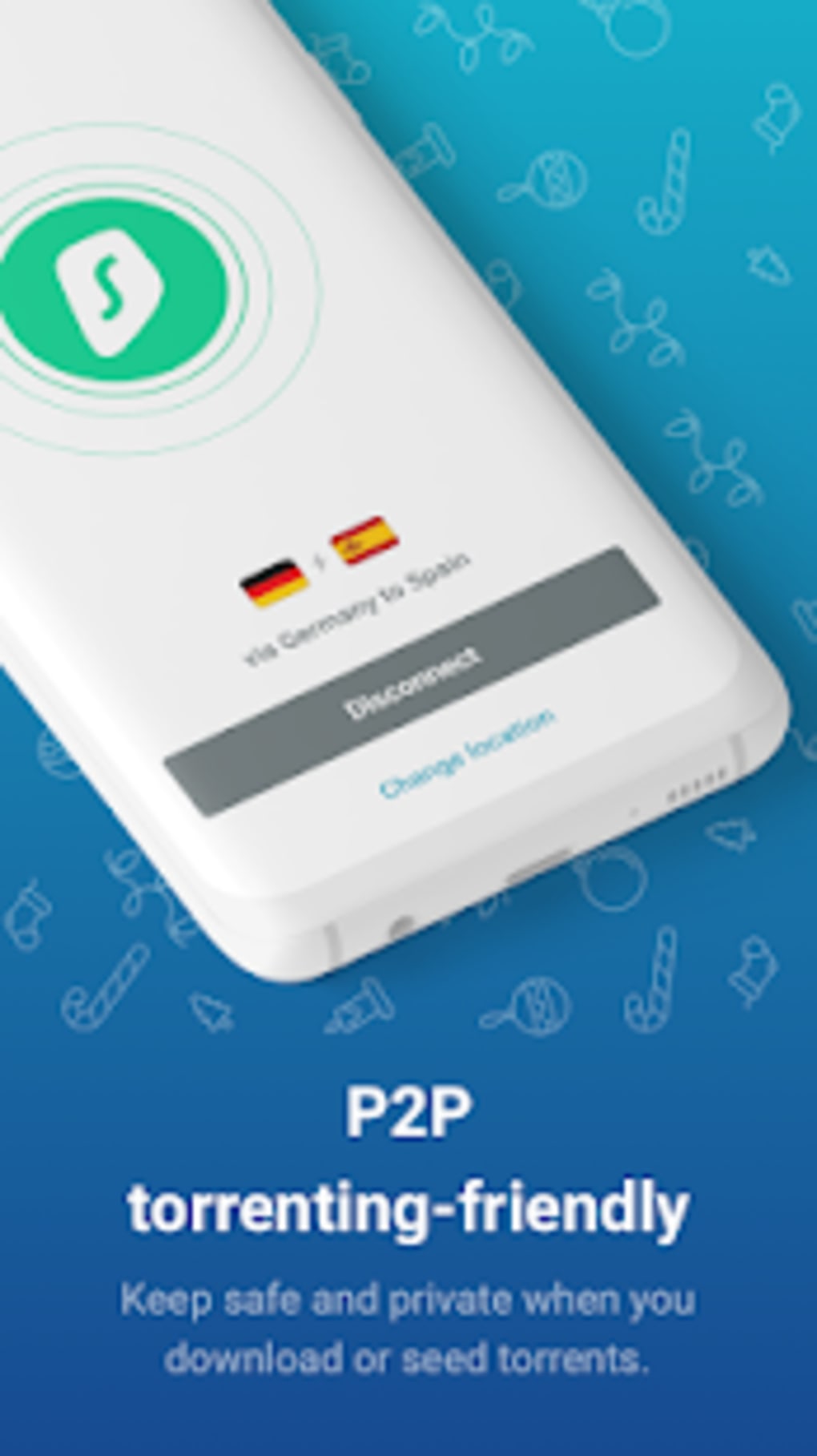
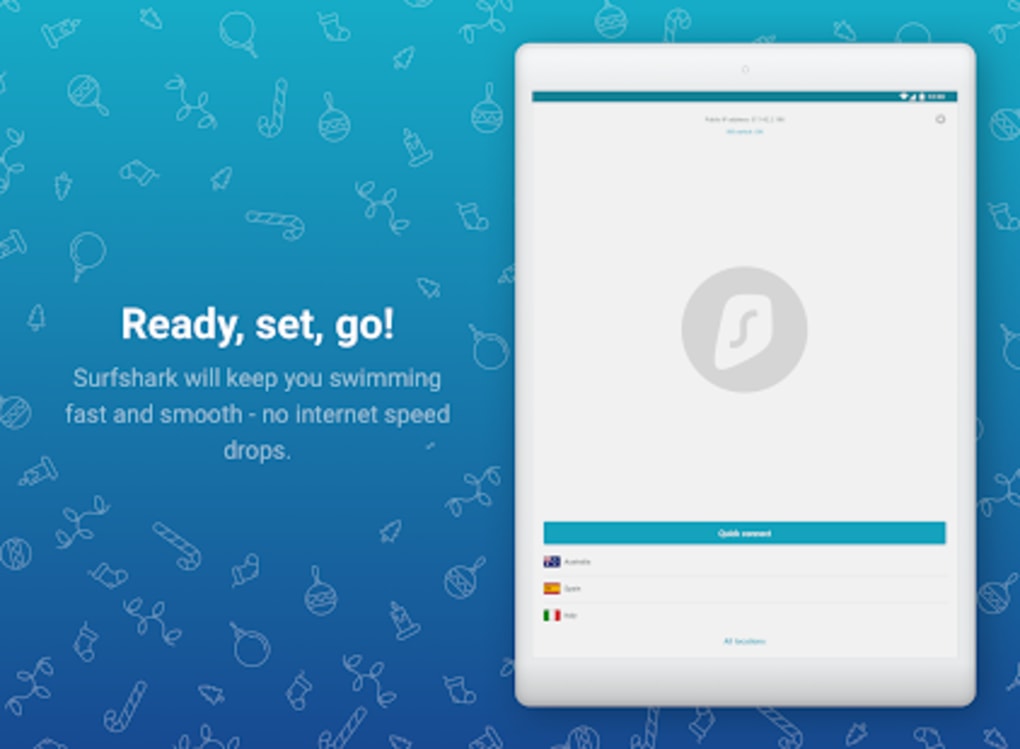
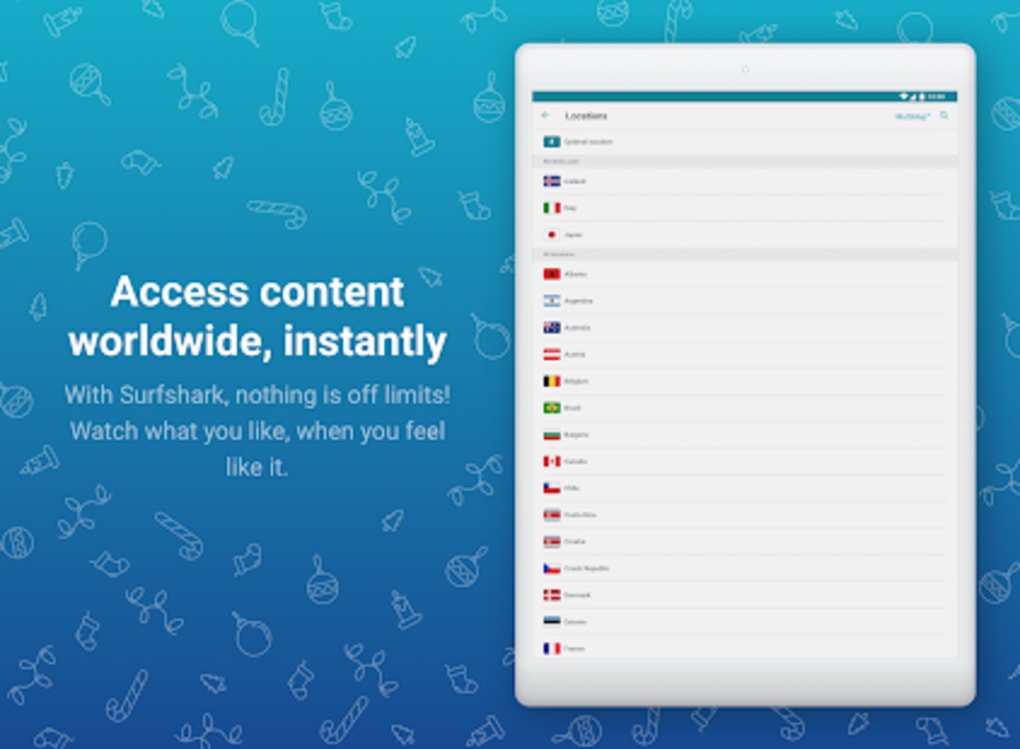
The Surfshark VPN application features a sleek and modern user interface that is intuitive and visually appealing. Navigation is straightforward, with clearly labeled sections for server selection, connection status, and security settings. The main dashboard displays active connections, server locations, and quick-access tools such as the kill switch and ad blocker.
Workflow efficiency is enhanced by features like one-click connect and automatic server optimization. Users can switch between locations with minimal steps, making the software accessible even to those unfamiliar with VPN technology. The developer did not specify resource usage details.
Performance observations are based on general software behavior patterns. Stability appears consistent under normal usage, though some users may experience longer connection times when connecting to distant or incompatible servers. This is typically resolved by selecting the optimized server for their region.
The app maintains a low footprint during idle periods, and no significant CPU or RAM spikes were reported in standard use cases. Overall, the interface supports a smooth user experience with minimal learning curve.
Compatibility & System Requirements
Surfshark VPN is compatible with Windows, Mac, iOS, and Android operating systems. The installation size is 50 MB, which is relatively compact for a security-focused desktop application. The software is designed to function across multiple device types, supporting both desktop and mobile environments.
The developer did not provide additional system requirements. Exact system requirements were not listed. Compatibility information was partially provided.
Users should ensure their device meets general standards for running modern applications. The software does not require high-end hardware to operate, suggesting broad accessibility across mainstream computing devices. No specific hardware requirements were mentioned.
Platform compatibility is confirmed for the listed operating systems.
Pros and Cons
Pros
- Strong focus on privacy and data protection with end-to-end encryption
- Includes a kill switch to prevent data leaks during connection drops
- Ad, tracker, and malware blocker enhances browsing security
- Modern, user-friendly interface suitable for beginners
- Multi-platform support across Windows, Mac, iOS, and Android
- Optimized server routing helps improve connection reliability
- Free trial available for users to test core features
Cons
- Some users report long wait times when connecting to non-optimized servers
- Full feature access requires a paid subscription
- Free version has limitations compared to the paid tier
- Exact system requirements were not specified
- Connection stability may vary depending on server location
- Performance details such as CPU and RAM usage were not provided
FAQ Section
Is Surfshark VPN safe to use?
Yes, Surfshark VPN uses strong encryption and security features such as a kill switch and private DNS to protect user data. The app is designed to prevent data leaks and ensure privacy during online activities.
Can I use Surfshark VPN on multiple devices?
Yes, the software is available on Windows, Mac, iOS, and Android. Users can install it on multiple devices, though full access to all features may require a paid subscription.
Does Surfshark VPN work with streaming services?
Surfshark VPN is designed to bypass geo-restrictions, allowing access to region-locked content. However, compatibility with specific streaming platforms may vary based on the service’s anti-VPN measures.
Is there a free version of Surfshark VPN?
Yes, a free trial is available, allowing users to test the service for seven days. After the trial, continued use requires a paid subscription. The free version includes limited functionality.
How often does Surfshark VPN receive updates?
Regular updates are released to improve security, fix bugs, and enhance performance. The frequency of updates is not specified, but the software is maintained to ensure ongoing protection and compatibility.
Final Thoughts + CTA
Surfshark VPN stands out as a robust solution for users seeking enhanced online privacy and security. Its combination of strong encryption, a kill switch, and an integrated ad and malware blocker provides a comprehensive defense against digital threats. The intuitive interface and multi-platform availability make it accessible to a wide range of users, from beginners to tech-savvy individuals.
While some users may encounter connection delays when connecting to non-optimized servers, this issue is manageable through recommended settings. The freemium model offers a risk-free trial, allowing users to evaluate the software before committing. For anyone concerned about data privacy, public Wi-Fi risks, or geo-restricted content, Surfshark VPN delivers strong value.
Download Surfshark VPN now to secure your digital presence today.






.png)
